Telefonie7 August 2024
Calling via Teams
More and more companies are using calling via Teams. This form of communication works smoothly and replaces the traditional phone system.
 Mohammad Moghtader
Lees meer
Microsoft Teams is part of Office 365 and the successor to Skype. In recent years, its usage has grown explosively. And for good reason. Teams has everything you need to stay efficient and productive at home and on the go, without missing a thing.
With Microsoft Teams, you can communicate and collaborate with colleagues safely from a distance. Video calling, chatting, giving feedback, sharing documents and much more. Everything works smoothly and intuitively.
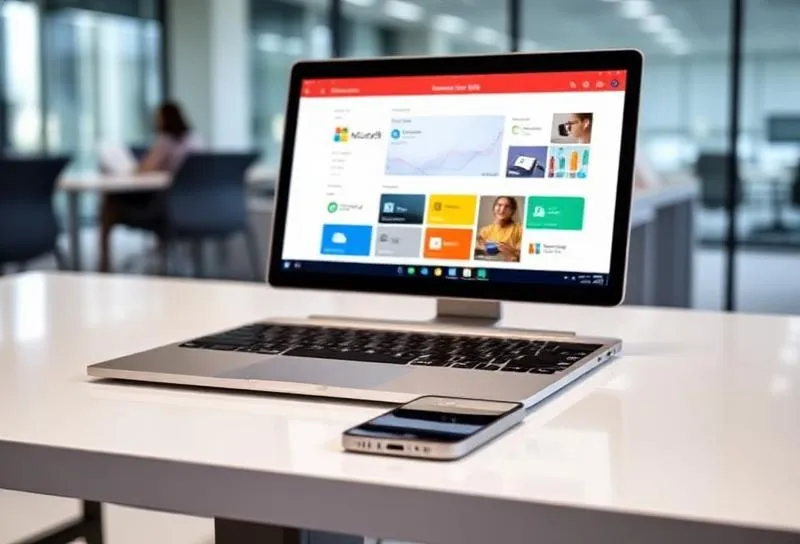

Every organization is different. We'll help you find the right solution.
No obligation — 30 minutes — personalized advice
Already working with Office 365? Then you already have access to all Teams features. Word, Excel, PowerPoint work seamlessly together. Share files without endless emails back and forth.
Start Teams and join meetings. Start an online meeting with colleagues yourself or join a meeting with a single click.
Chat with colleagues, share files and collaborate on documents. Endless emailing back and forth is a thing of the past.
With a Teams Phone licence, you can integrate landline numbers into your Teams environment for incoming and outgoing calls.
Your Outlook calendar is automatically linked. Schedule appointments and meetings easily from Teams.
Share your screen with colleagues so everyone can follow along. Giving presentations via PowerPoint works just as you're used to.
On the home screen, you can see all your team's activities at a glance: new members, missed calls and shared files.

Calling via Teams is being adopted by more and more businesses. This form of communication works smoothly, efficiently and sustainably. An incoming call is quickly forwarded or answered, you can video call and record conversations.
The great thing about Microsoft Teams is that you can easily connect it to your current phone system. With the Operator Connect feature, you can keep your own phone number and switch to Teams telephony without hassle.
Yes, you can use a landline number in Microsoft Teams by obtaining a Teams Phone licence. This integrates landline numbers into your Teams environment, allowing incoming and outgoing calls to be managed via Teams.
More and more companies are using calling via Teams. This form of communication works smoothly and replaces the traditional phone system.
Mohammad MoghtaderWhat is cloud telephony? Cloud telephony is changing how businesses make and receive calls. Instead of a physical phone system, you call over the internet.
Mohammad MoghtaderA Microsoft workspace offers SMB organizations a simple, secure, and well-organized digital workplace where employees have access to apps, documents, and communication with a single sign-on.
 Robin Damen
Do you have questions about Teams telephony? Or would you like more information about our business Office 365 plans? Our team of experts is available 24/7 to help you.
Bel 085 - 013 4500 of stuur ons een e-mail: info@virtualcomputing.nl
Ontvang binnen 1 werkdag een offerte op maat voor Microsoft Teams Telefonie
We use cookies to improve your experience and analyse the use of our website. More information