Cloud7 October 2025
Hybrid Azure Virtual Desktop explained
Work wherever and whenever you want. No servers, no outages, no hassle. With Hybrid Azure Virtual Desktop, you offer employees a stable, secure workplace.
 Mohammad Moghtader
Lees meer
An online workplace is a complete Windows desktop running in a professional data center instead of a computer at your office. You log in via the internet — from your laptop, tablet or phone — and see a full Windows desktop with all your programs, files and printers. It feels like sitting at your office computer, wherever you are.
At Virtual Computing, your online workplaces run in our own twin data centers in Eindhoven and Den Bosch. That means: your data stays in the Netherlands, is backed up daily and secured with enterprise-grade encryption and multi-factor authentication. We are ISO 27001 and NEN 7510 certified.
The difference with Microsoft 365? With Microsoft 365 you install Office apps (Word, Excel, Outlook) on your own laptop. With the Online Workplace, everything runs in our cloud — including your own industry-specific software like Exact Online, AccountView, Oase Dental or ISAH. Your own device only serves as screen and keyboard.
We handle everything in the background: Windows updates, software updates, backups, antivirus and security. Run into something? Call us and we help immediately — 24/7, including weekends.
Onze AI Medewerker Alex legt het je graag uit!
Full Windows desktop via the internet
Data in our own data centre (Eindhoven & Den Bosch)
Custom software supported — we install it
Daily backups, antivirus & 24/7 management

Every organization is different. We'll help you find the right solution.
No obligation — 30 minutes — personalized advice

An Online Workplace is the best choice in the following situations:
Just need email, Word and Excel on your own laptop? Then Microsoft 365 Management is more affordable. Want your own laptop professionally managed? Check our Modern Workplace.
Many clients combine an Online Workplace for business-critical software with Microsoft 365 for email. Not sure? Contact us — we help you choose.
You open the Remote Desktop app on your laptop, tablet or phone and log in with your username, password and DUO Security verification. Immediately you see your familiar Windows desktop with all your programs, folders and printers. Close the app? Your workplace continues right where you left off.
Your own computer only serves as screen and keyboard. All computing and storage happens in our data center. No more slow laptop, no risk of data loss from theft, always the latest software. Even a €250 Chromebook works as a workstation.
Share files via shared folders organized through our customer portal. Printing and scanning works transparently via your local network. Microsoft Teams runs smoothly with multimedia redirection. MyWorkDrive app gives you mobile access to all business data.
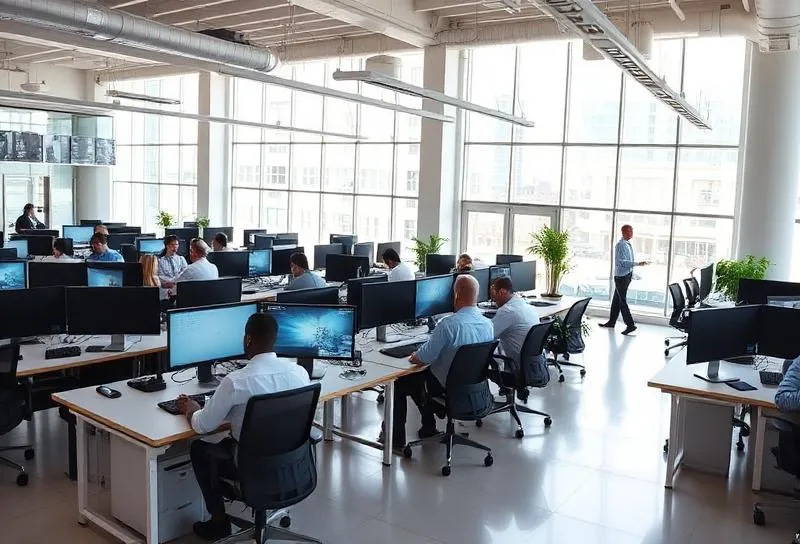
Video calls, chat and collaboration via Microsoft Teams — fully integrated in your Online Workspace with multimedia redirection for smooth video and audio.
Organise work folders yourself and control who has access to what.
Effortlessly print and scan via the devices within your network.
Extra secure cloud working through our 2-factor authentication.
Add or remove users yourself via the customer portal.
We install your own applications, even with Microsoft SQL if needed.
Access all your folders and files from your tablet or smartphone.
The Online Workplace costs €35 per user per month. Everything included: Windows desktop, unlimited storage, daily backups, antivirus, management and 24/7 support. No hidden costs, no installation fees.
Optionally add Microsoft 365 licenses (from €5.20/mo per user) for Word, Excel, Outlook and Teams. Use your own software? We install it on your workplace.
Most SMEs save 20-40% on total IT costs after switching to an Online Workplace, while getting better security and higher uptime.
Choosing between an Online Workplace, Microsoft 365 or Modern Workplace? Here are the key differences:
| Online Werkplek | Microsoft 365 | Modern Workplace | |
|---|---|---|---|
| Where does your desktop run? | In our data center | On your own laptop | On your own laptop |
| Install own software? | Yes, anything Windows | Office apps only | Yes, via Intune |
| Storage | Unlimited | 1 TB OneDrive | Local disk |
| Managed by us? | Fully | Licenses & backups | Device & security |
| Data location | Netherlands (own DC) | Microsoft cloud (EU) | On device + cloud |
| Price from | €35/user/mo | €5.20/user/mo | €10/device/mo |
The choice depends on your situation. Use industry-specific Windows software? Online Workplace. Mainly Office apps and email? Microsoft 365 Management. Many clients combine both.
Call 085-013 4500 or schedule a free consultation. We analyze your situation and advise the best combination for your organization and budget.
"Specifically for the VVV in Alkmaar and surroundings, Virtual Computing set up a cost-effective cloud and telecom solution. Thanks to this setup, automation costs have gone down."
Marcel Serlier
VVV Noord Holland
"Virtual Computing realised the first dental online service for Dental Practice Tilburg, including support for state-of-the-art 3D X-ray technology."
Liedy van Rijswijk
Dental Practice Tilburg
The step to an online workspace can sometimes feel big. To help you with your choice, we offer the option to try our ICT services free for 30 days with no obligations.
The account is ready to use within a few hours of your request and is automatically deactivated after 30 days. Have specific needs? Contact us. We're happy to create a customised trial account. During this demo, we'll gladly show you around the world of the online workspace!

Work wherever and whenever you want. No servers, no outages, no hassle. With Hybrid Azure Virtual Desktop, you offer employees a stable, secure workplace.
Mohammad MoghtaderNowadays we see many companies working in the cloud, but what exactly is a cloud workspace and how does it work?
 Robin Damen
Put together your ideal smart workspace with Virtual Computing and be productive anytime, anywhere.
Robin DamenWe use cookies to improve your experience and analyse the use of our website. More information